Your calendar, one click away.
Calendext puts Google Calendar and Google Tasks in a compact popup on your Chrome toolbar. Check your day, add an event or tick off a task without leaving the page you're on.
Month, week or day. Your call.
Your Google Calendar events and dated Google Tasks share one clear view. Zoom out to plan the month, or focus on what's left of today.
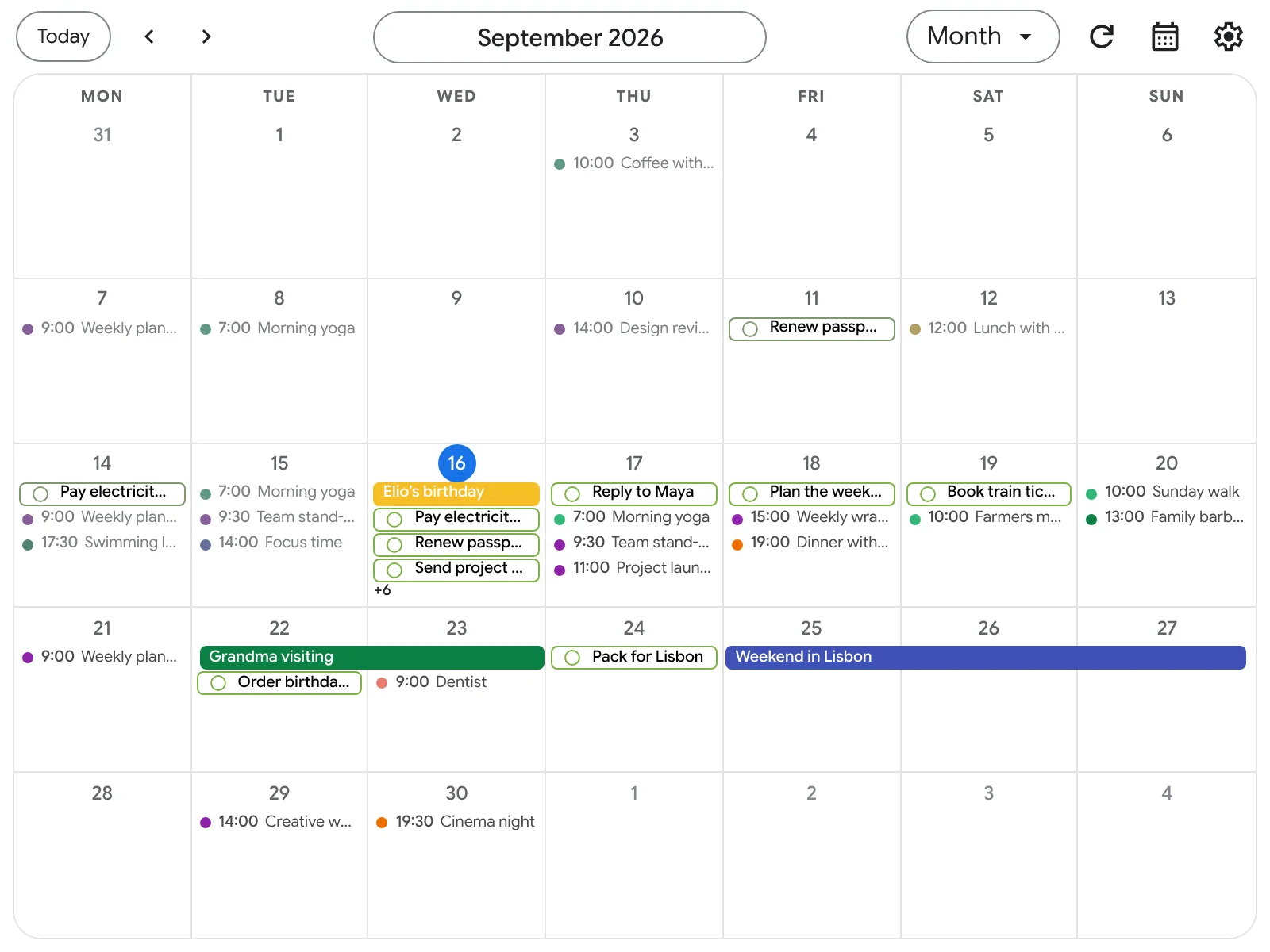
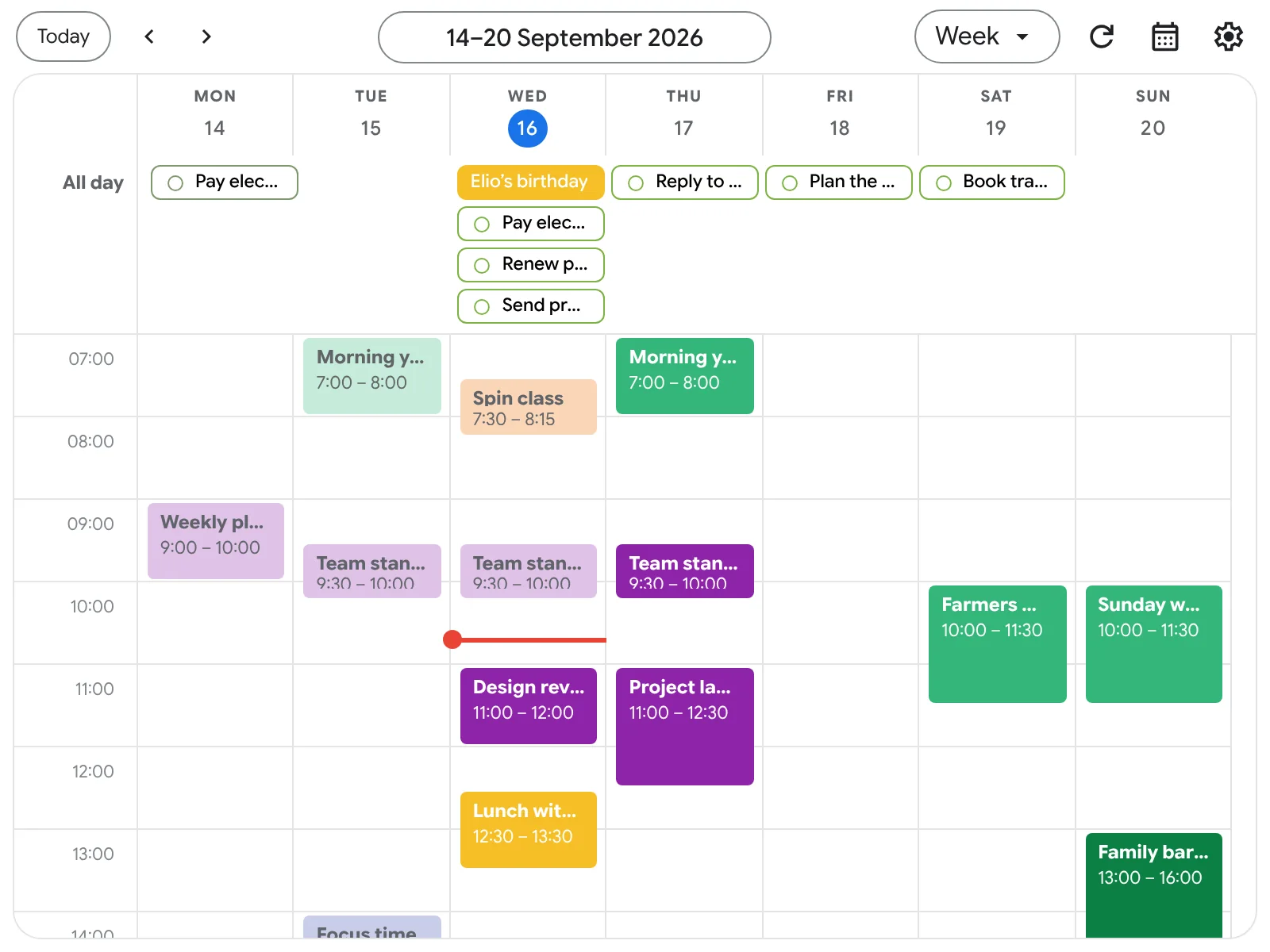
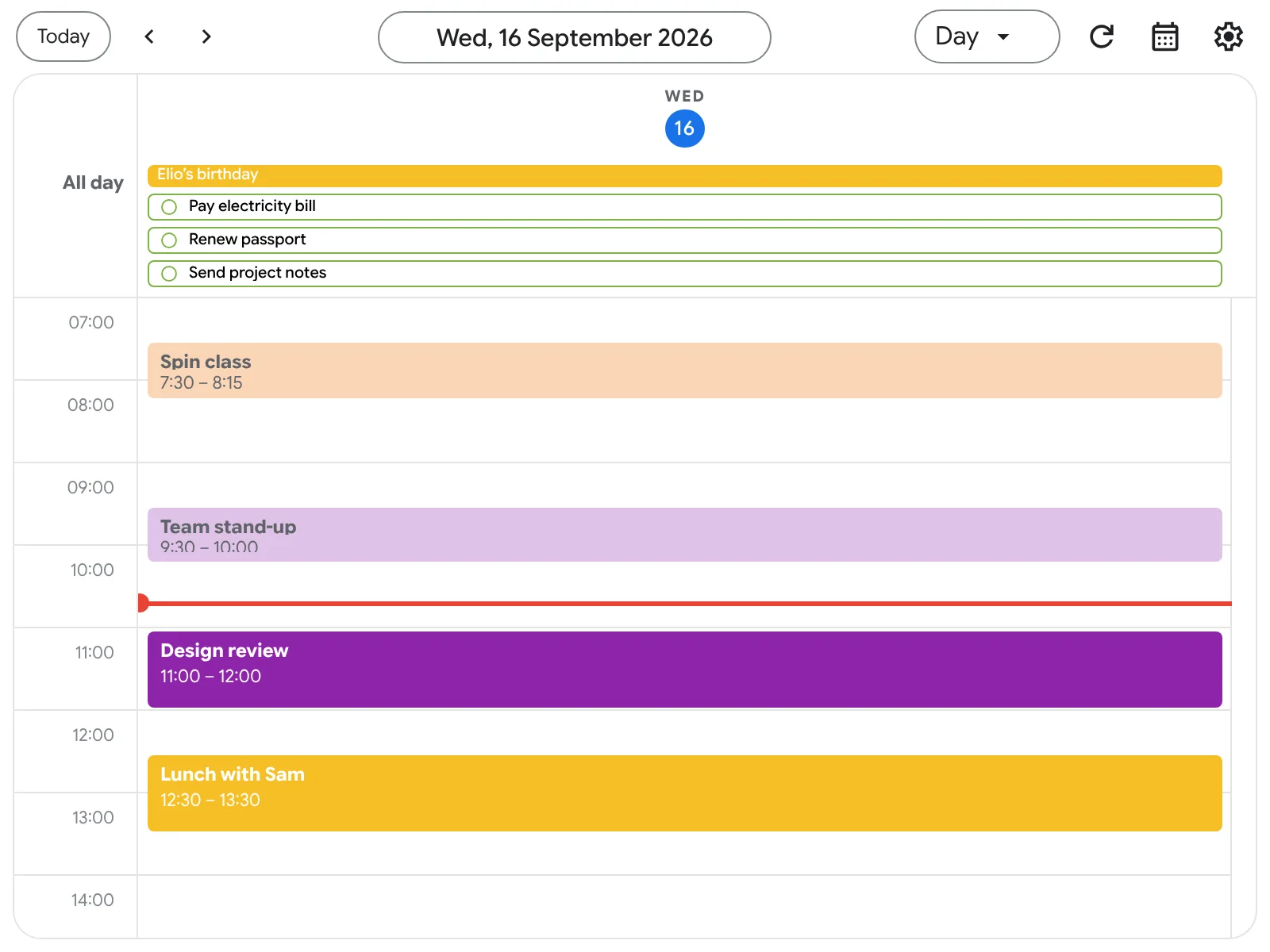
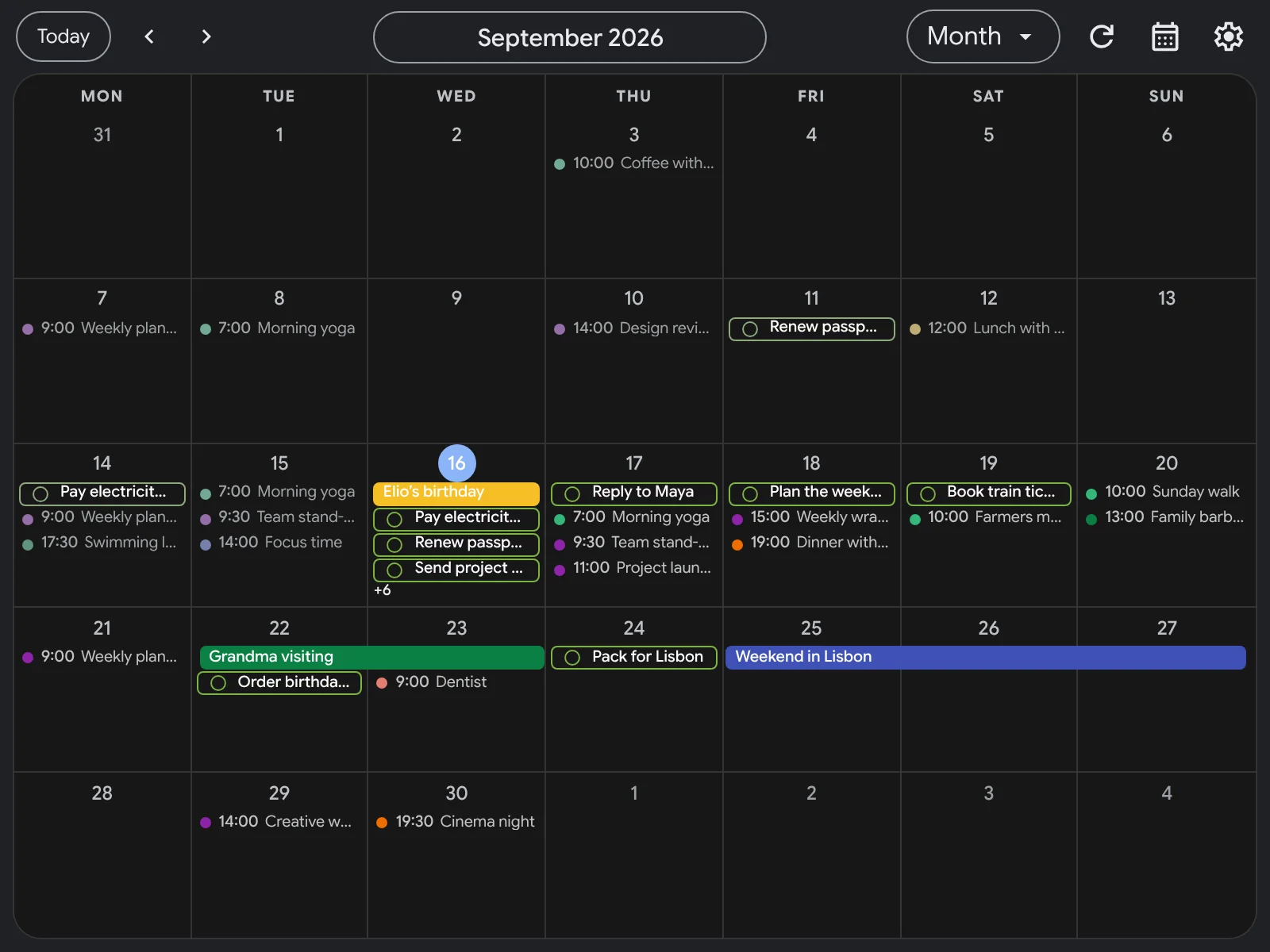
Small popup. Everything you need.
- Edit without switching tabs
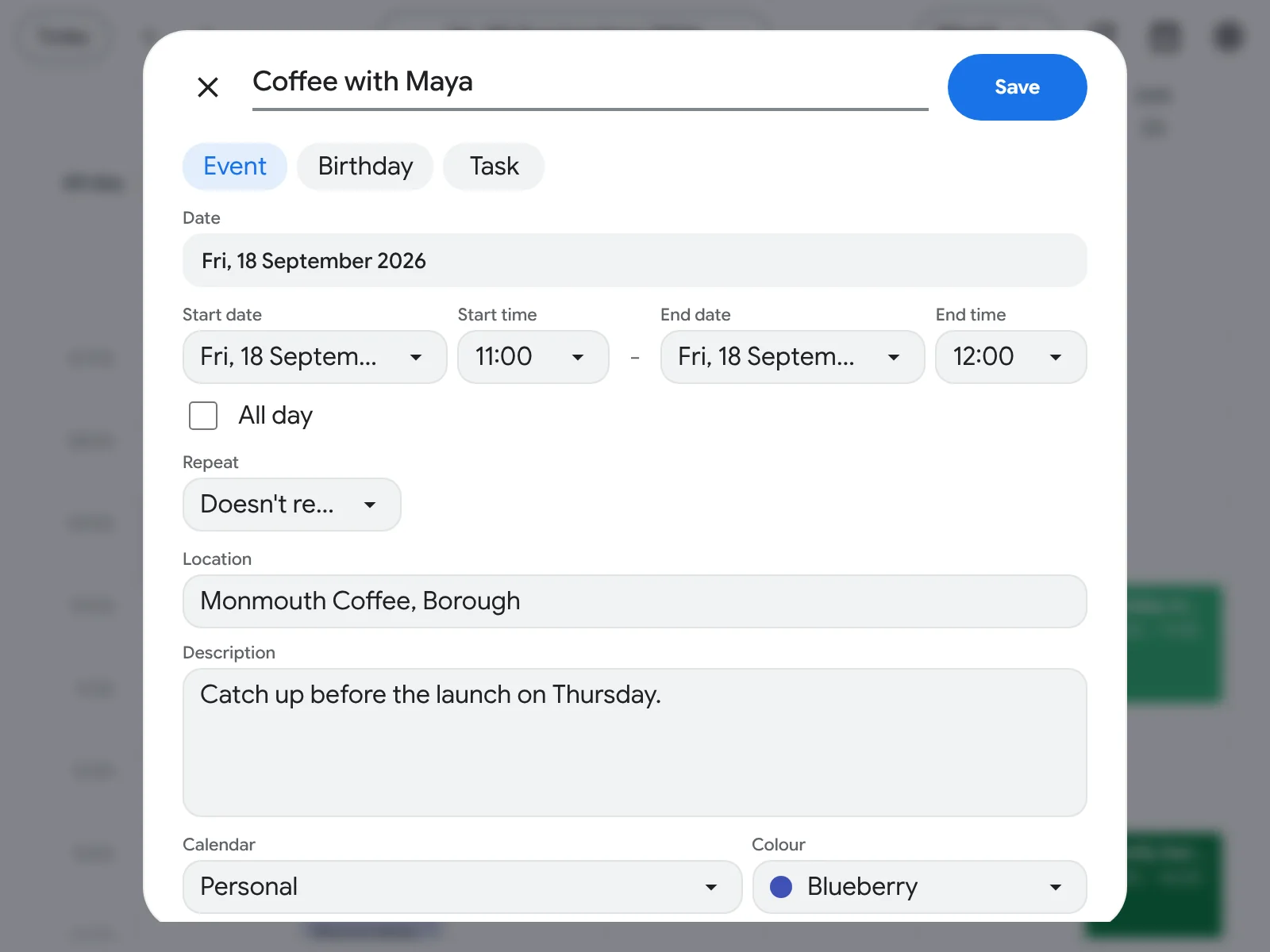
- Create, edit, move and delete events. Add, complete and delete tasks.
- Saved straight to Google
- Changes show up wherever you use Google Calendar and Google Tasks.
- Opens instantly
- Your cached schedule appears the moment you click, then refreshes from Google.
- Overdue tasks stay on Today
- Unfinished tasks from earlier days move onto Today until they're done.
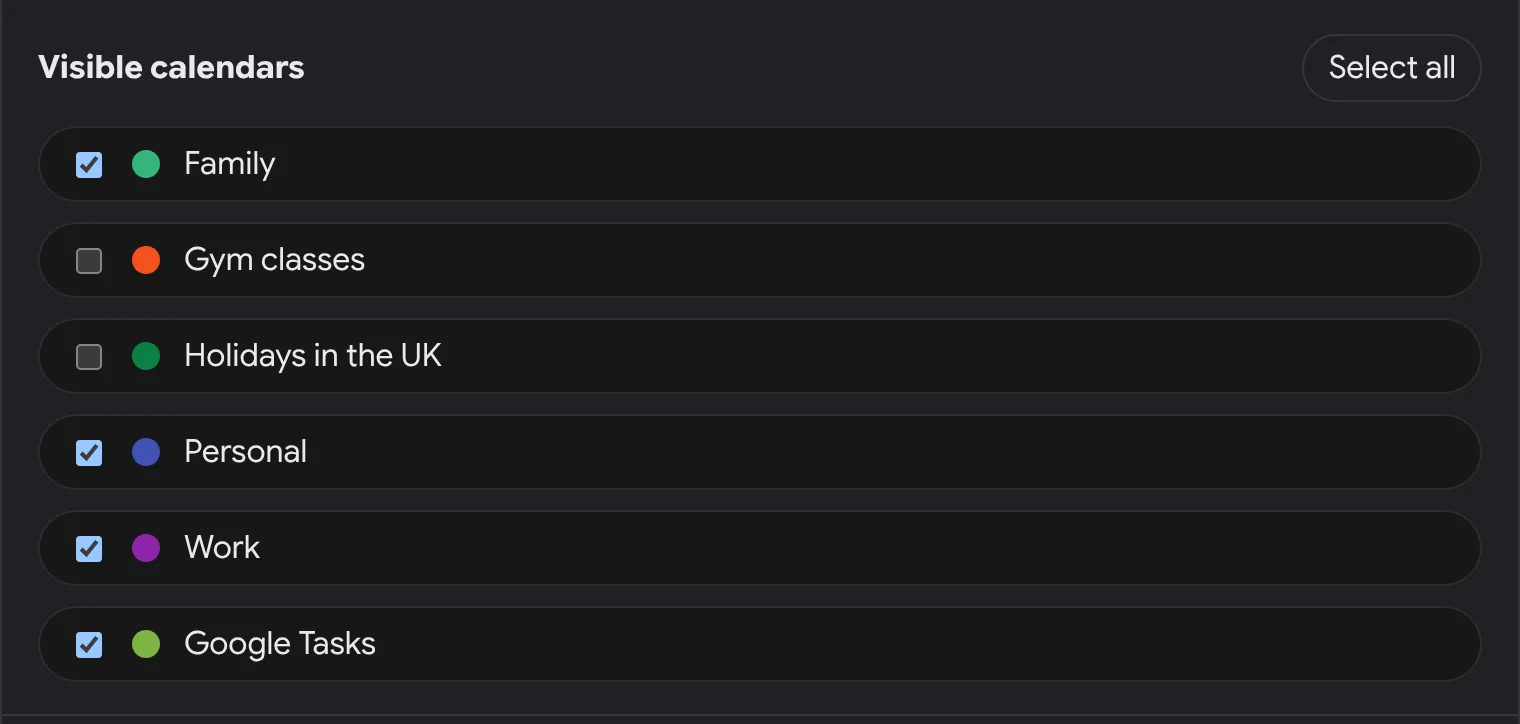
- Only the calendars you want
- Choose which calendars appear and whether Google Tasks are shown.
- Fits how you work
- Follows your week start and 12 or 24 hour time. Light, dark or system theme.
Watch it in 30 seconds
Opening from the toolbar, switching views, editing and creating events, completing a task, hiding a calendar and turning on dark mode.
No sound. Every schedule shown is sample data.
Watch on YouTubeA closer look
Between you and Google.
Calendext connects your browser directly to Google. There's no Calendext account to create and no Calendext server holding your schedule.
Read the privacy policy- Direct to Google over HTTPS. Calendar and task content goes between your browser and Google.
- Cached on your device. Your schedule is kept in Chrome's local extension storage.
- No ads, no analytics. Your data is never sold, used for advertising or used to train AI models.
- Your password stays with Google. You can revoke access from your Google Account at any time.
- A sign-in helper, not a data store. Browser-based sign-in uses a Jamgo Labs service hosted by Cloudflare to exchange Google sign-in codes and tokens. Calendar and task content never passes through it.
Questions
Something else? Email calendext-support@jamgolabs.com.
Is Calendext free?
Yes. Calendext is free to install from the Chrome Web Store, with no ads.
Do I need a Calendext account?
No. You connect your existing Google account, and Calendext works with the Google Calendar and Google Tasks you already use.
Will my changes show up in Google Calendar?
Yes. Events and tasks you create, edit, complete or delete in Calendext are saved straight to your Google account.
Can I give tasks a time?
Google Tasks stores due dates only, so tasks are scheduled by day rather than by time. They appear in the all-day area of the week and day views.
Can I hide some calendars?
Yes. In settings, choose exactly which calendars appear and whether Google Tasks are shown. Hiding a calendar only changes what Calendext shows; it doesn't change anything in Google.
What does Calendext do with my data?
Only what's needed to show your schedule and carry out the changes you ask for. See the privacy policy for the full details.
Plan your day without leaving your tab.
Add Calendext to Chrome, pin it to your toolbar and connect your Google account.
Add to Chrome